
GAME ART FOUNDATIONS
Learn Blender and 3D Game Art From Scratch
A complete beginner course built around real game art workflows.
Learn 3D modelling, low-poly and high-poly workflows, sculpting, baking and environment art through practical examples and exercises.
Start from zero. Build real skills. Create game art.
STRUCTURE
From Your First Blender Scene to a Finished Game Art Diorama
Game Art Foundations is designed to take you through the full process of creating 3D art for games, one project at a time.
You’ll start with the absolute basics of Blender, build confidence through small practical exercises, then move into complete game-art workflows including low-to-high poly modelling, PBR texturing, sculpting, environment creation and final presentation in Unreal Engine.
01 — Blender & Modelling Basics
Start from zero and get comfortable creating in 3D.
Install Blender, learn the interface, navigation, transforms and the core modelling tools you’ll use throughout the course.
Rather than learning tools in isolation, you’ll immediately put them into practice by building a small table-and-chair scene, adding props and even introducing simulated cloth.
You’ll learn: Blender fundamentals, object and edit modes, modelling basics, modifiers, simple materials, cloth simulation and scene building.
Refine your craft, get an edge.
Student Artwork: Tassja Falcatan
02 — The FUN Diorama
Turn the basics into your first complete scene.
Now that you can navigate Blender and build simple objects, you’ll create the Quack Beach Diorama from start to finish.
This project introduces the idea of building an environment from multiple simple assets, thinking about shape, scale, composition and how individual props come together to create something visually interesting.
It’s intentionally fun — but underneath it you’re learning the foundations of environment art.
You’ll learn: low-poly modelling, modular thinking, stylised forms, scene composition, asset reuse and building a cohesive environment.
03 — UV Mapping
Understand how 3D models become textured assets.
Before moving into more advanced prop creation, you’ll learn how UVs work and why they matter.
We’ll cover the practical fundamentals of unwrapping models, organising UVs and preparing your assets for baking and texturing.
You’ll learn: seams, UV unwrapping, UV layout, texel usage and preparing assets for texture workflows.
05 — Sculpting in Blender
Add a completely different way of working to your toolkit.
Not everything should be built one vertex at a time.
You’ll learn the fundamentals of sculpting inside Blender, focusing on the tools and techniques that are genuinely useful for game artists.
We’ll cover how to work with larger forms first, build secondary detail and use sculpting as part of a wider modelling workflow.
You’ll learn: sculpting tools, primary and secondary forms, remeshing, surface detail and stylised sculpting techniques.
07 — Preparing Your Final Diorama
Learn how artists plan before they start building.
A good scene starts long before the final modelling pass.
Before creating your final project, we’ll break down the planning process: gathering references, analysing shapes, deciding what assets are required and creating a composition that gives you a clear target.
This is where the course begins moving from following exercises toward working like an artist.
You’ll learn: reference gathering, visual research, asset breakdowns, composition, scope and project planning.
09 — Unreal Engine: Lighting & Rendering
Present your work like game art.
Finally, you’ll bring your finished work into Unreal Engine.
You’ll learn the fundamentals of importing your assets, setting up your scene, lighting it effectively and producing a polished final presentation.
Because making a good asset is only part of the job.
You also need to know how to show it.
You’ll learn: Unreal Engine import workflows, materials, scene setup, lighting, cameras and final rendering.
04 — Game-Ready Prop:
The Barrel
Learn the complete low-to-high poly workflow.
This is where the course starts moving into a more traditional production pipeline.
You’ll create a barrel using a low-to-high poly workflow, learning why artists build multiple versions of an asset and how detail is transferred between them.
You’ll then take the finished asset into Substance Painter to learn PBR texturing and create a polished, game-ready prop.
You’ll learn: blockouts, high-poly modelling, low-poly optimisation, smoothing, baking, normal maps, PBR materials and Substance Painter.
06 — Your Second Prop
Apply your sculpting skills to a production asset.
Instead of immediately moving on after learning the tools, you’ll use your new sculpting knowledge to create another complete prop.
This project is deliberately more independent.
You’ll combine traditional modelling and sculpting techniques and start making more of your own decisions about how an asset should be built.
You’ll learn: combining modelling and sculpting, shape design, workflow planning, refinement and problem solving
08 — Final Diorama Project
Bring everything together.
Your final project combines the skills you’ve developed throughout the course into one complete environment.
You’ll model the assets, make decisions about where sculpting and high-poly workflows make sense, texture your work and build a coherent final scene.
The goal isn’t to copy another tutorial scene.
It’s to prove that you can take what you’ve learned and actually use it.
You’ll apply: modelling, sculpting, UVs, baking, PBR texturing, composition, asset creation and environment building.
You Won’t Just Learn Blender
By the end of Game Art Foundations, you’ll have experienced the same fundamental workflow used throughout modern game-art production:
Reference → Model → Sculpt → UV → Bake → Texture → Build → Light → Present
You’ll understand not only how to use the tools, but why each stage exists and when to use it.









meet yOUR MENTORS:
vETERANS OF fILMS & gAMES
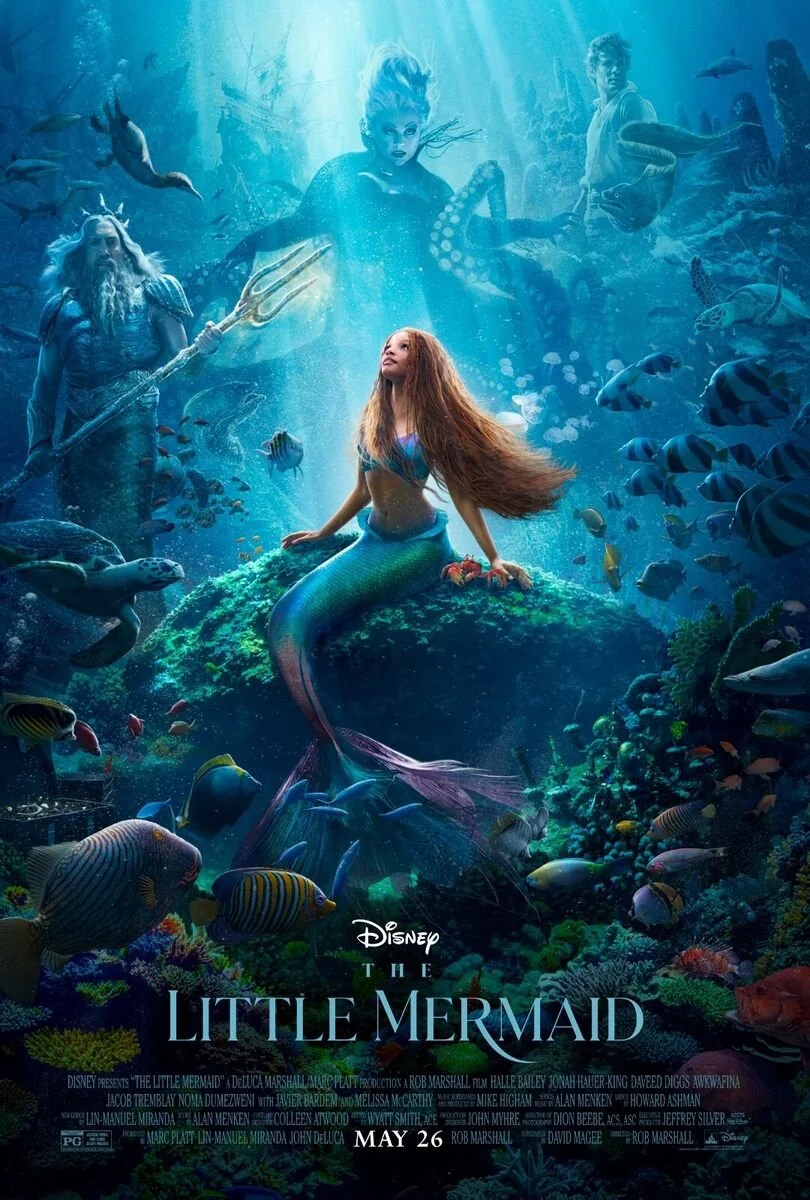
House of the Dragon • The Witcher • The Little Mermaid • 3 Body Problem
25+ years combined production experience


Unreal Gold Authorized InstructorFilipe Strazzeri
Founder - Technical Art Director
15+ Years Building AAA Pipelines, Tools, and Production Workflows
————————————————————————-
I’ve worked with studios including Guerrilla, ZeniMax, Sony, Disney, Netflix, and Epic Games — building pipelines, solving complex technical challenges, and delivering high-end content at scale.
This isn’t about surface-level tutorials.
It’s about understanding how real studios operate.
I teach Unreal Engine, C++, and Technical Art the way they’re used in production — with a focus on practical skills, problem-solving, and real workflows.
You’ll get structured, intentional training built to a professional standard. From first principles to advanced systems, everything is designed to give you the skills that actually get you hired.
If you’re serious about reaching that level, you’re in the right place.
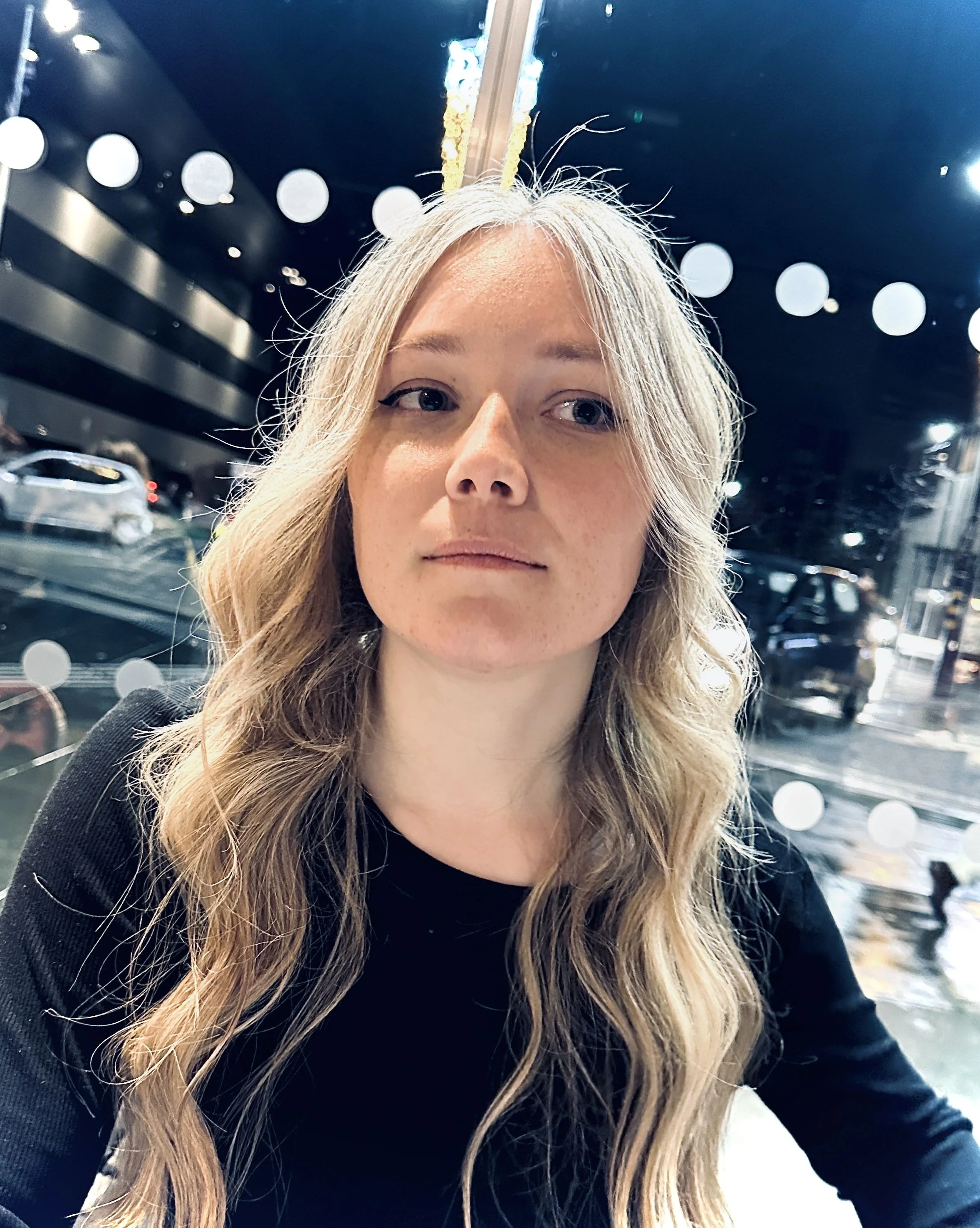
Dani Haynes
Founder - Head of Art
Developing Artists to Meet Real Studio Standards
————————————————————————-
My path into the industry wasn’t straightforward. Like many artists, I struggled with outdated teaching methods that didn’t translate to real-world results.
That changed when I invested in high-level mentoring — giving me a clear understanding of what studios actually expect.
That foundation led to a successful career, and now I bring that same standard into everything I teach.
This isn’t about theory or surface-level learning.
It’s about building work that holds up in a professional pipeline — structured, intentional, and aligned with industry expectations.
We will support you the entire way, until its time for you to spread your wings.
https://www.linkedin.com/in/dani-haynes/
look at what our awesome students can do WITH OUR training !
Student Artwork : Melvin Wee
Student Artwork: Tassja Falcatan
Student Artwork: Kyle Landon
Student Artwork: Aden Thompson
ON-DEMAND • PRACTICAL • BEGINNER-FRIENDLY
Learn at your own pace through structured video lessons built around real projects and exercises.
Start with the absolute basics of Blender, then progressively move into modelling, UVs, high-to-low workflows, sculpting, texturing and environment creation.
No previous 3D experience required.
START FROM ZERO. BUILD REAL GAME ART.
Game Art Foundations is designed to give you the context behind what you're learning — not just a list of Blender tools to memorise.
Follow complete projects, practise each skill as you learn it, and gradually work towards creating and presenting your own finished 3D environment.
Learn 3D art for games from scratch. Build real assets in Blender while learning professional game-art workflows.